This Challenge is Timed
Most candidates take between 1 and 3 hours
No need to rush. Aim for clean, well-designed code and a smooth, consistent pace through the challenge.
You have
Complete the challenge by
1771838493505
Pause/Resume
anytime
You are in control of your time. You can choose to solve the challenge in one go or multiple sessions.
The challenge
This challenge is designed to feel like real software development, not an algorithm puzzle or quiz.
You’ll work through five incremental requirements that build on each other as you evolve the same codebase.
The setup is flexible so you can work in your preferred style:
- Use your own IDE, frameworks, and tools
- Work at your own pace, pause or resume anytime
- Real-world theme inspired by real business code
- Structure the code as you like, one file or many
The challenge is designed to show how you perform across:
- Code quality
- Problem solving and technique
- Delivery speed

Before you start
Important – please read before you start
- Code that fails in "Production" will trigger simulated time penalties
- Write clear, reliable, and maintainable code
- Start only when you can focus without interruptions
After finishing, you can see (anonymously) how others solved the same task.
It is a good way to learn from different styles and solutions.
Ready? Let's get started.
1. Download runner project
Download the runner project that matches your setup.
1.
Select your operating system
2.
Select your CPU architecture
3.
Select your preferred language
4.
Download the runner project.
wget https://get.accelerate.io/v1/runner-for-python-windows-x64.zip

5.
Extract archive - unzip
unzip runner-for-python-windows-x64.zip
The accelerate_runner folder will be created, which
represents the root of your project.
2. Download credentials
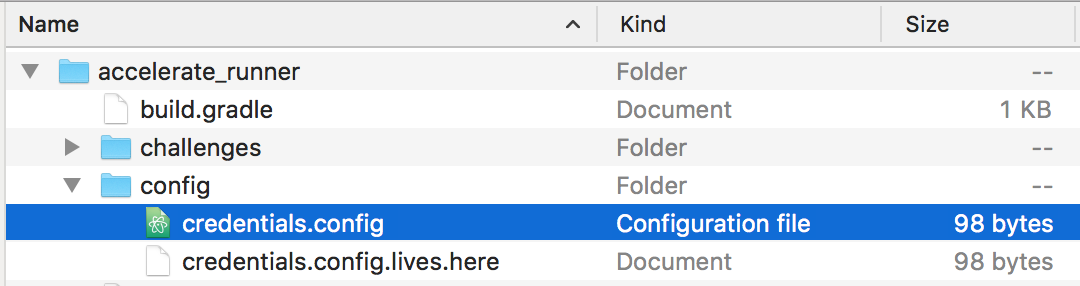
To connect to the challenge server, download your personal credentials file and save it in the config folder:
Your user ID:
The link expired on: 1771838493505
When finished, you will see a folder called accelerate_runner.
It contains all the libraries needed to run and submit your solution.
3. Start tracking source code changes
Tracking your code changes helps us understand your workflow and problem-solving approach.
The source code tracker only monitors files in the project folder. It does not record your screen, video, or anything outside this directory.
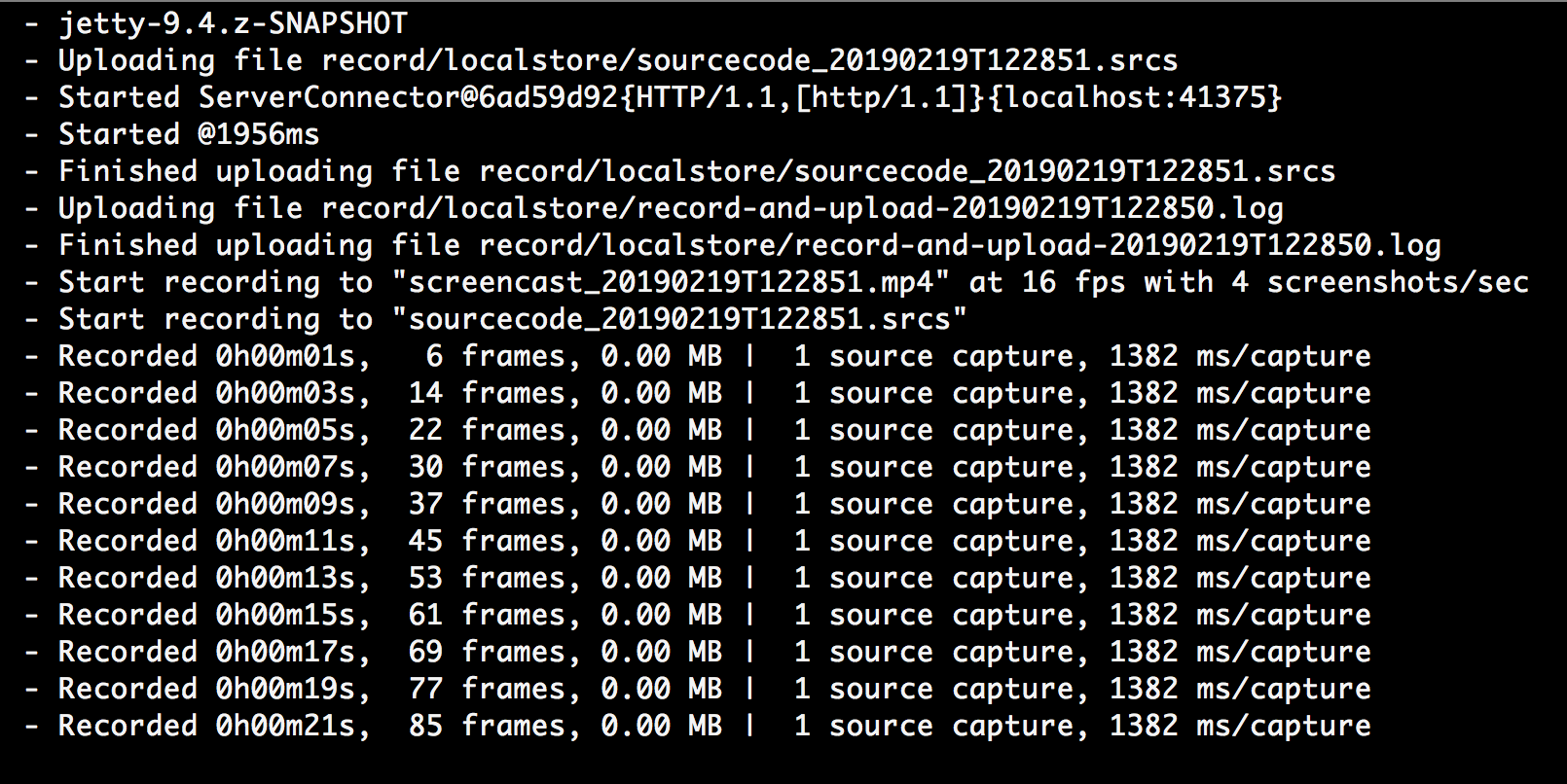
In a new terminal tab or window, start the code tracking tool. Choose one of the options below:
Option 1: Run directly
./track_code_and_upload.bat

Option 2: Run inside Docker (secure sandbox)
docker run -it --rm -v .:/src -w /src -p 41375:41375 amazoncorretto:21.0.8 ./track_code_and_upload.sh
4. Start the warmup
In your IDE of choice, open the README.md file from the accelerate_runner folder.
The accelerate_runner project contains all the code you need to interact with the challenge server.
You write your solutions in the same project and then you run them against the server using the instructions provided.
To get started, follow the instructions provided in the README.md and source code comments.
The challenge has the following flow: Start → Read instructions → Write solution → Deploy
Do not worry about the setup. The warmup will guide you step by step.
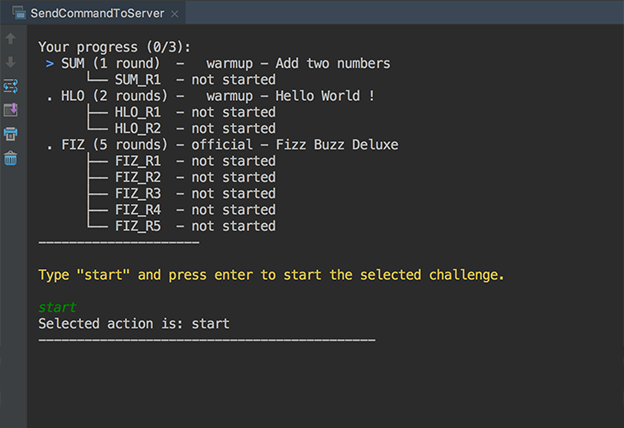
1. Start the challenge
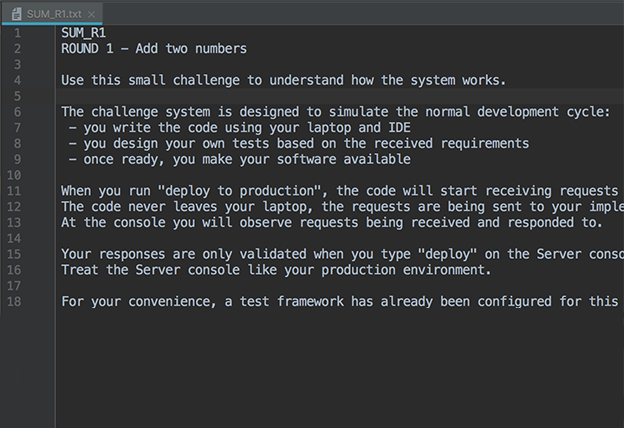
2. Read the challenge instructions
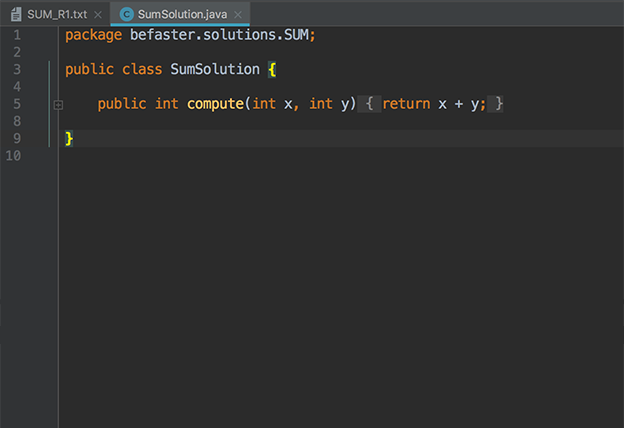
3. Write a solution
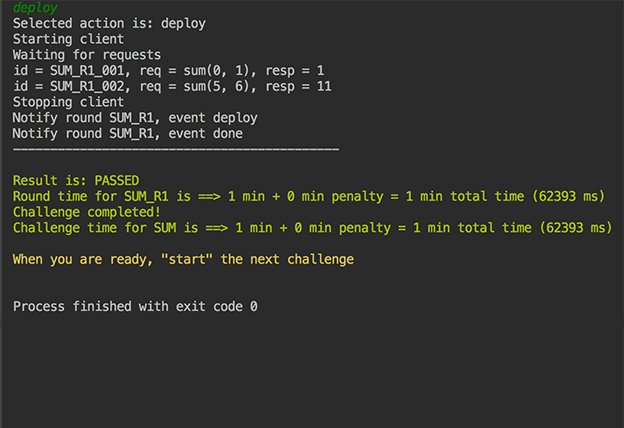
4. Deploy and get feedback
5. Finishing
When you are done, stop the source code tracker (CTRL + C or CTRL +
D).
iwoca only receives your submission once all five rounds of the challenge are successfully completed.
If the challenge is not completed in full, no code or partial submission is shared.
Once all five rounds are complete, iwoca receives and reviews the submission. They will contact you with feedback, the performance report, and the reference solutions in due course.
Troubleshooting
Credentials to upload source code have expired
If you see the following error message when starting the source code tracker:
Causes: The credentials you have for uploading your source code have expired.
Actions: You need to download new set of credentials. See the "Download credentials" section above.
Other technical issues
If, for any technical reason, you are not able to go through the challenge please email:
ask@accelerate.io